Make Your Images Perfectly Square (Without Cropping)
Don't cut off the head or the shoes of your product. Upload any tall or wide photo, and our tool instantly adds perfect white (or blurred) padding to make it a 1:1 square. 100% compliant with Amazon, Poshmark, and Instagram.
Upgrade to Smart Padder Pro
Unlock the high-speed **Batch ZIP Processor** (pad up to 100 images at once), get unlimited square padding, and enable transparent background downloads.
Drag & Drop Image or Paste (Ctrl+V)
Supports PNG, JPG, JPEG, WEBP up to 15MB.
Standard Cropping Cuts Off Details
Standard square crop tools force you to cut off crucial parts of your product to fit a square box. If you sell clothes, you lose the shoes. If you sell tech, you lose the edges.
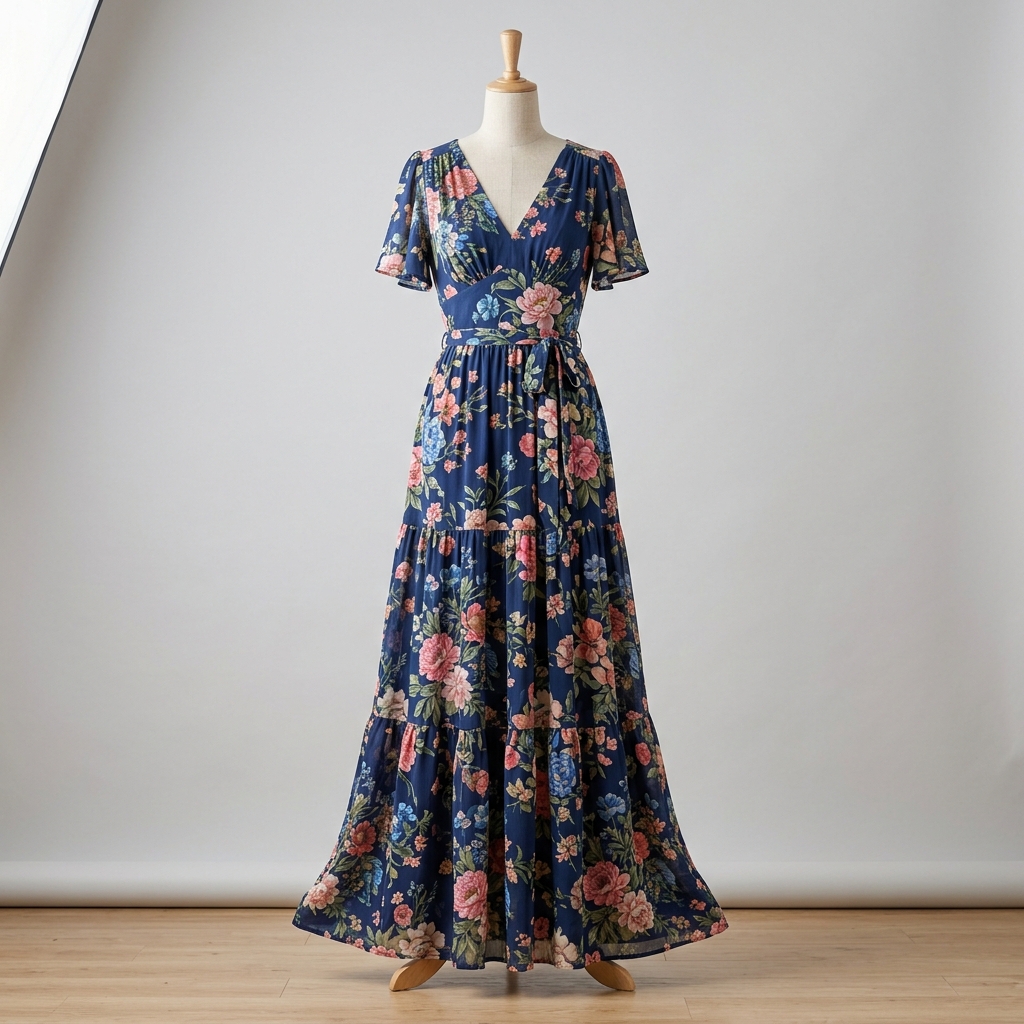
Preserve the Whole Product
Our tool scales down your listing photo safely and adds elegant padding to the sides. You get a perfect 1:1 square image showing your complete product, ready for marketplaces.
Why Standard Cropping Tools Hurt Your Sales
Standard cropping tools force you to cut off crucial parts of your product to fit a square box. If you sell clothes, you lose the shoes or the collar. If you sell tech or collectibles, you lose the edges and packaging.
⚠️ A bad crop means fewer details, lower listing quality, and fewer sales. Buyers want to see the complete product before making a purchase.
How It Works
Resize any listing photo to a square 1:1 format in 4 simple steps.
Upload Image
Drag & drop your vertical or horizontal product photos into the smart padder workspace.
Auto Scaling
We automatically scale the image to fit safely inside the square box without stretching.
Pick Background
Fill the empty spaces with a pure white background, custom color preset, or a blurred backdrop.
Download Square
Instantly download perfectly square, 1:1 aspect ratio images ready for Poshmark, Amazon, or Depop.
Frequently Asked Questions
Why does Amazon and Poshmark prefer square photos?
Marketplace search grids use 1:1 ratios. Standard vertical photos force them to auto-crop, cutting off the neck, feet, or accessories of your listings. Padding keeps the entire product visible.
How does the Blurred Backdrop style work?
It takes a scaled version of your product photo, stretches it to cover the square canvas, applies a heavy blur filter, and darkens it. This creates a modern, sleek studio depth-of-field effect behind your product.